Getting Started with Hyvä UI
Hyvä UI is a comprehensive UI library that integrates both PHP and UI logic, offering a more complete development package compared to traditional UI libraries.
A Hyvä UI license can be purchased at hyva.io/hyva-ui.html. The Hyvä UI library is also included with Hyvä Commerce licenses.
To learn more about what Hyvä UI offers, check out the What is Hyvä UI page.
Installing Hyvä UI
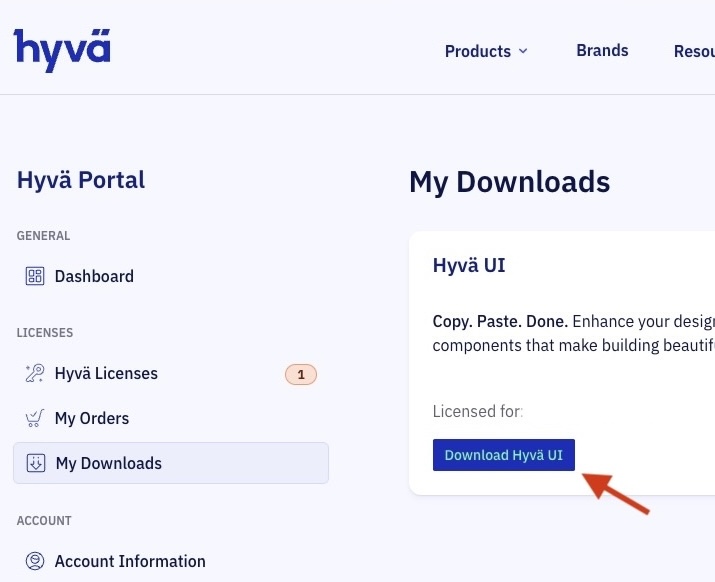
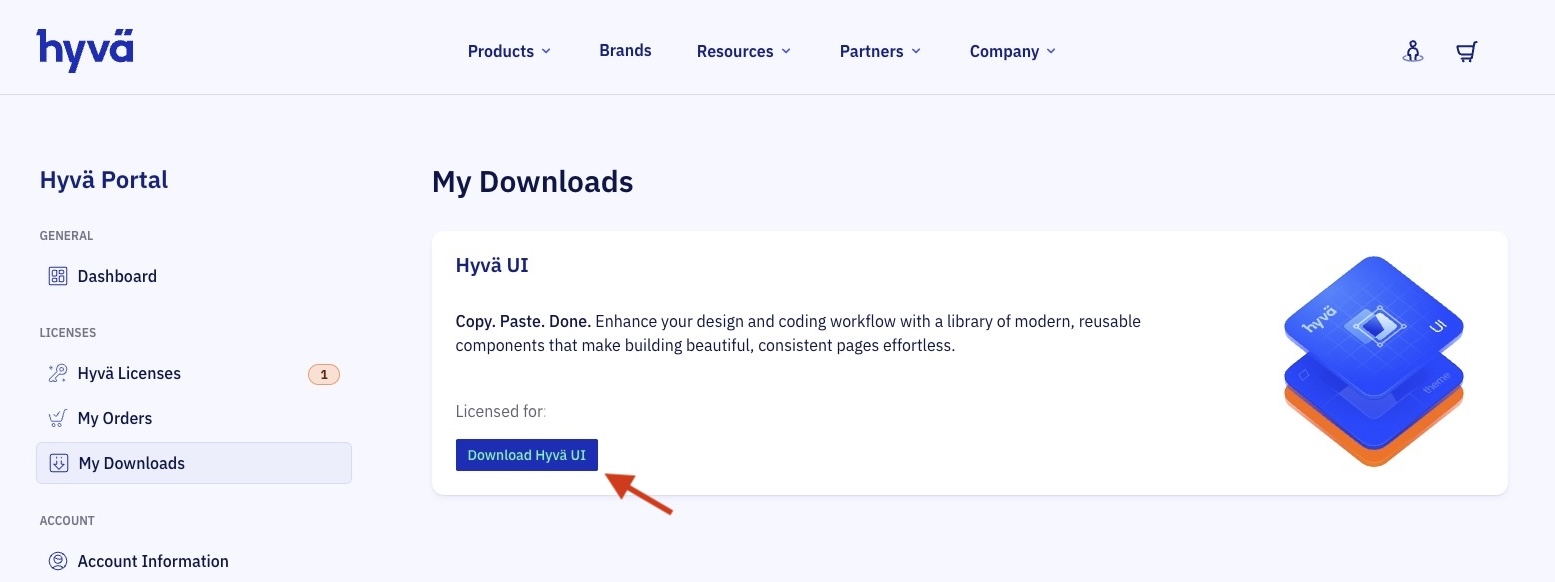
Hyvä UI can be installed via Composer with a valid packagist.com license key, downloaded directly from packagist.com, or downloaded from the Hyvä Portal.
Installing Hyvä UI with Composer
If you have a configured Hyvä Theme Packagist key, install Hyvä UI by running:
Why --dev?
Requiring Hyvä UI as a dev dependency makes it convenient to copy and paste components into your theme. In a proper pipeline setup, dev dependencies will not be installed (using composer install --no-dev).
Downloading Hyvä UI from Packagist
- Navigate to
packageson your Packagist page:https://packagist.com/customers/acme-abc123.hyva-themes/packages. Replaceacme-abc123with your unique Packagist license URL key, which can be found at the Hyvä Portal. You can also navigate directly to your Packagist URL (https://hyva-themes.repo.packagist.com/acme-abc123/) and go to Packages. - Log in to Packagist using your license key/token.
- Search for hyva-themes/hyva-ui.
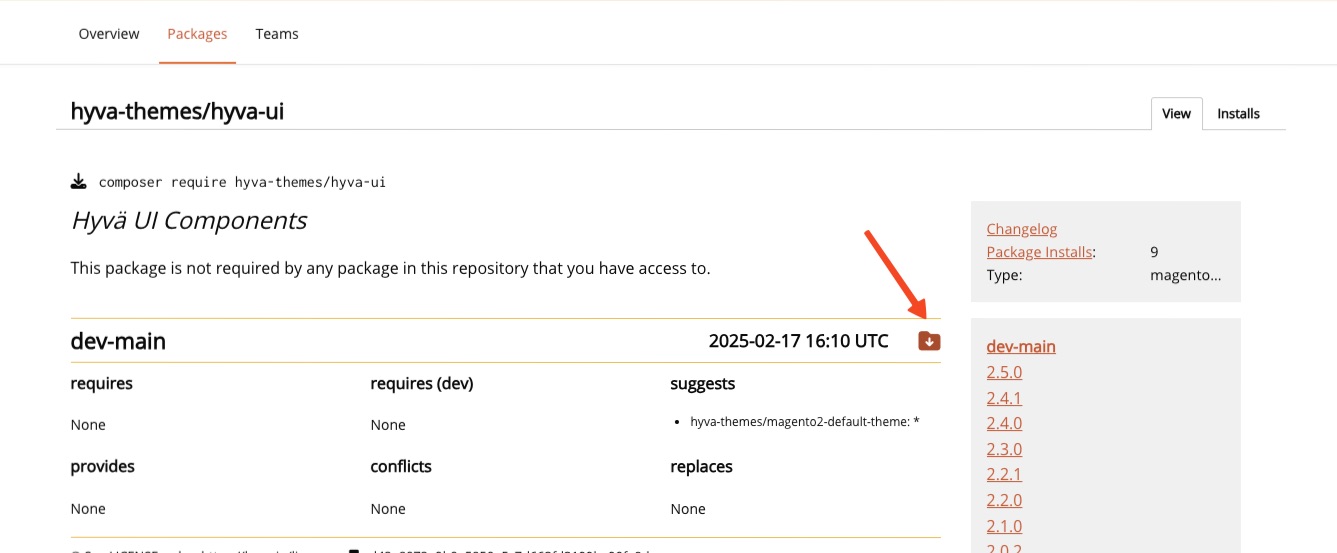
- Go to the package page for hyva-themes/hyva-ui.
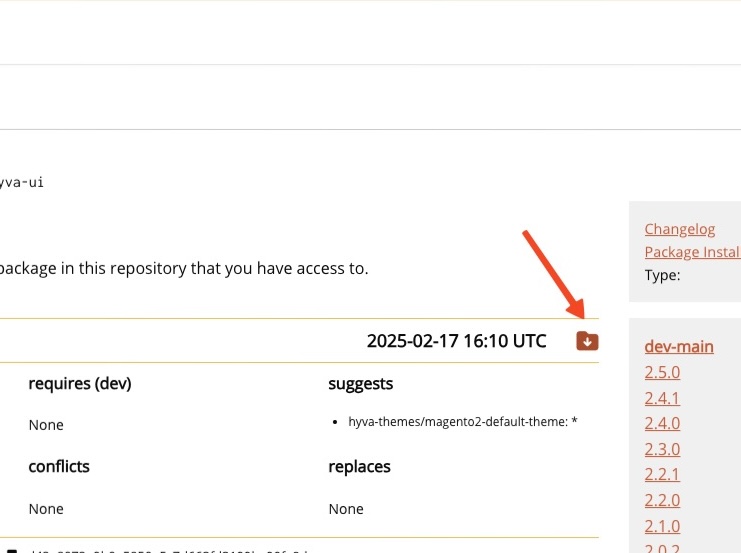
- Click the download icon on the page (see the screenshot below).
Using Hyvä UI Components
Each Hyvä UI component includes a dedicated README.md file within its respective folder. This file provides detailed, component-specific instructions for usage.
In most cases, using a Hyvä UI component involves copying its template file into your Hyvä theme and potentially adjusting your Tailwind configuration.
Don't clone the Hyvä UI repository into your project
Avoid directly cloning the Hyvä UI repository into your Magento project, especially within your theme. This can lead to:
- Bloated stylesheet: Unnecessary Tailwind classes might be generated, increasing the size of your theme's
styles.cssfile. - Compatibility issues: Future Hyvä UI updates could introduce breaking changes, such as component removal, renaming, or modifications that might break your site.
Instead, copy individual component templates into your project and customize them to meet your needs.
For a hands-on walkthrough, check out the Instruction and Demo Videos.
Related Topics
- What is Hyvä UI - Learn what Hyvä UI offers and how it differs from traditional UI libraries
- Included Components - Browse the full list of components available in Hyvä UI
- Instruction and Demo Videos - Watch walkthroughs of Hyvä UI components in action